STEP 01 / PROFILEHOME
1. Start on your profile
Download the app, sign up and you're in. Lowkey that easy. Your profile shows your questions, answers and reposts — hit Ask a Question whenever you want the tea.
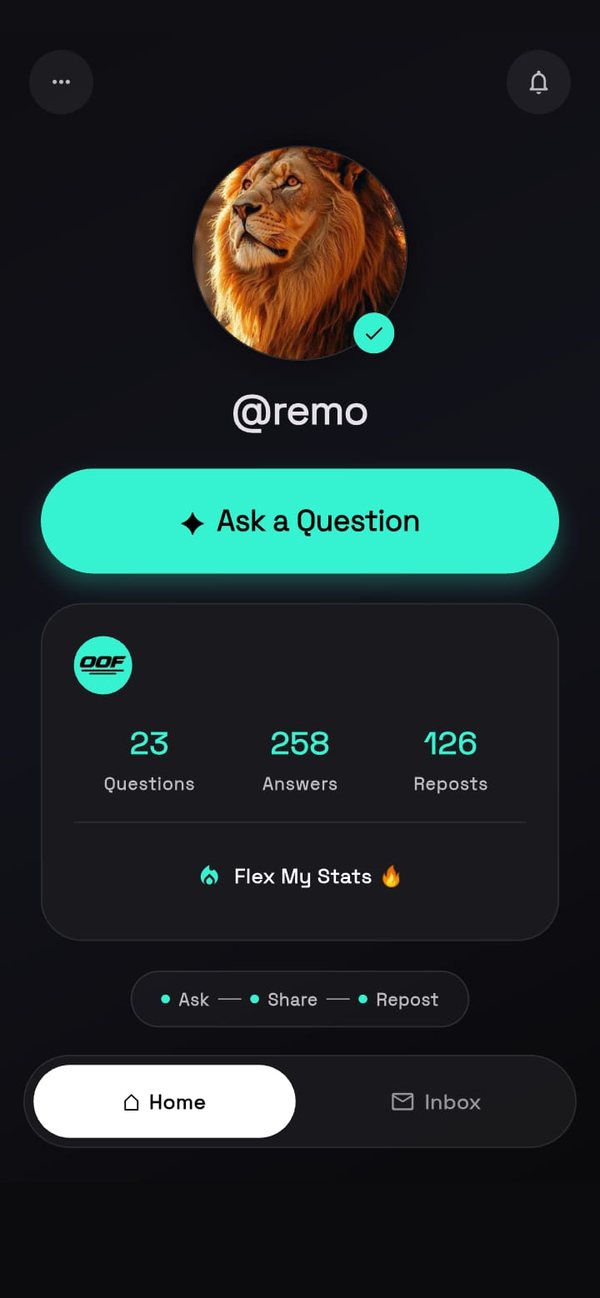

Real screens from the OOF app. Scroll through the steps and you'll be asking your first question in minutes.
01 / 07
SCROLL STEPS • MINT CIRCLE • REAL UI
Download the app, sign up and you're in. Lowkey that easy. Your profile shows your questions, answers and reposts — hit Ask a Question whenever you want the tea.
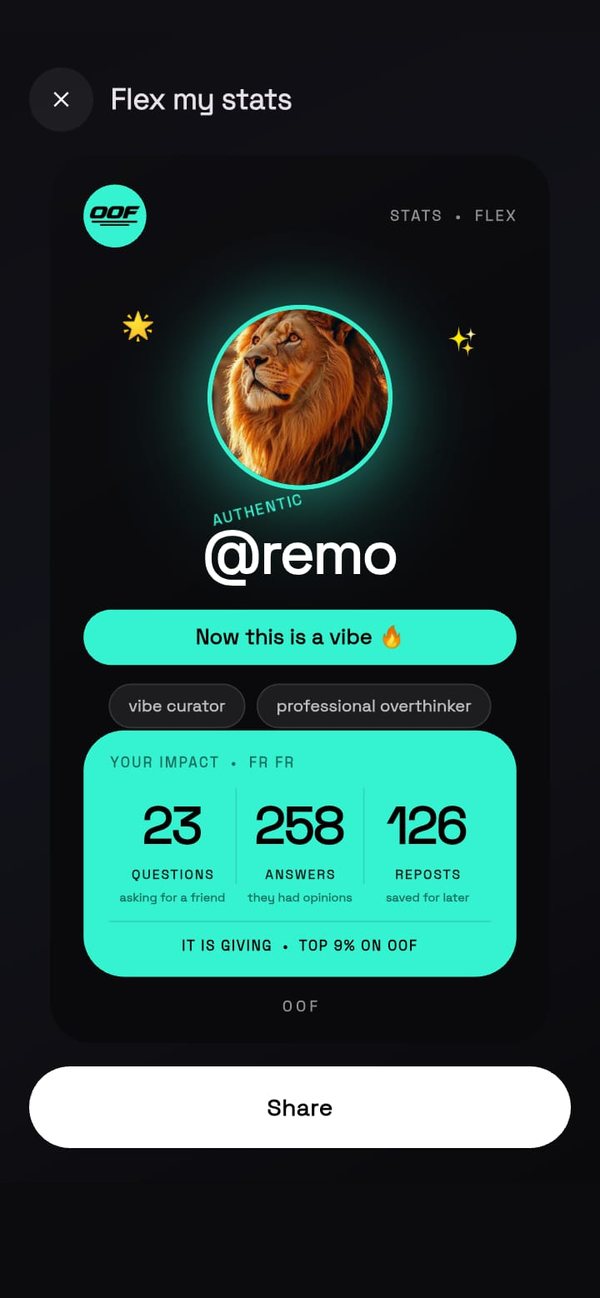
Tap Flex My Stats to turn your numbers into a shareable card, complete with your vibe tags, ready to post to your story.
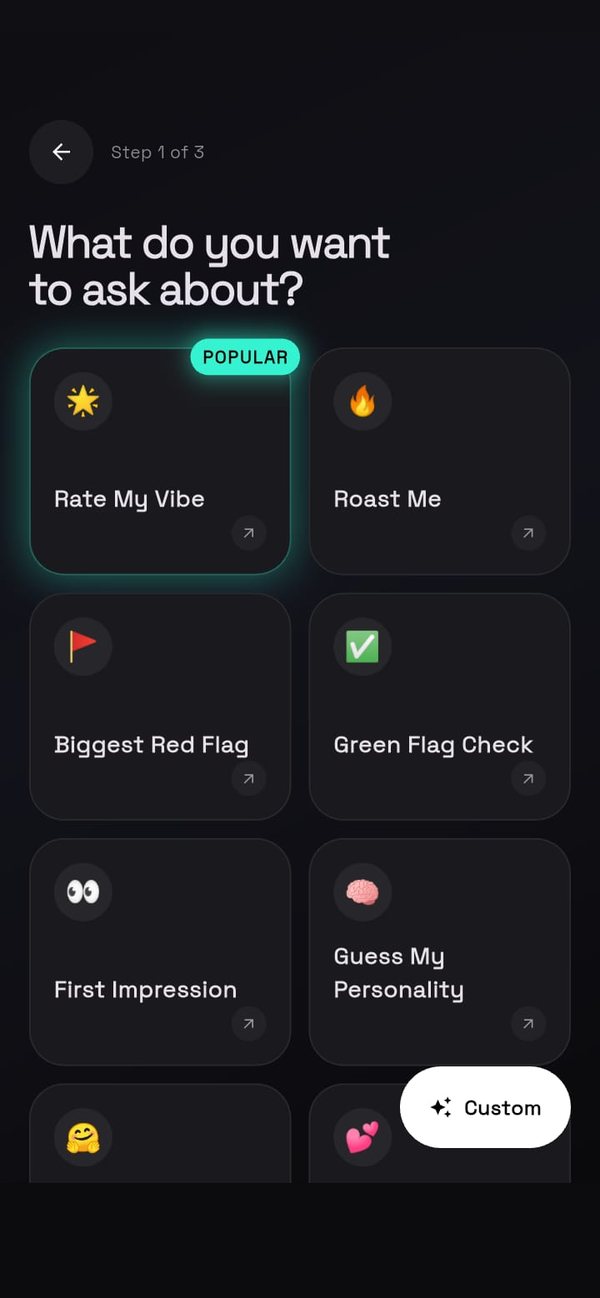
Pick a topic like Rate My Vibe, Roast Me, Biggest Red Flag, Green Flag Check or First Impression. Prefer your own? Tap Custom.
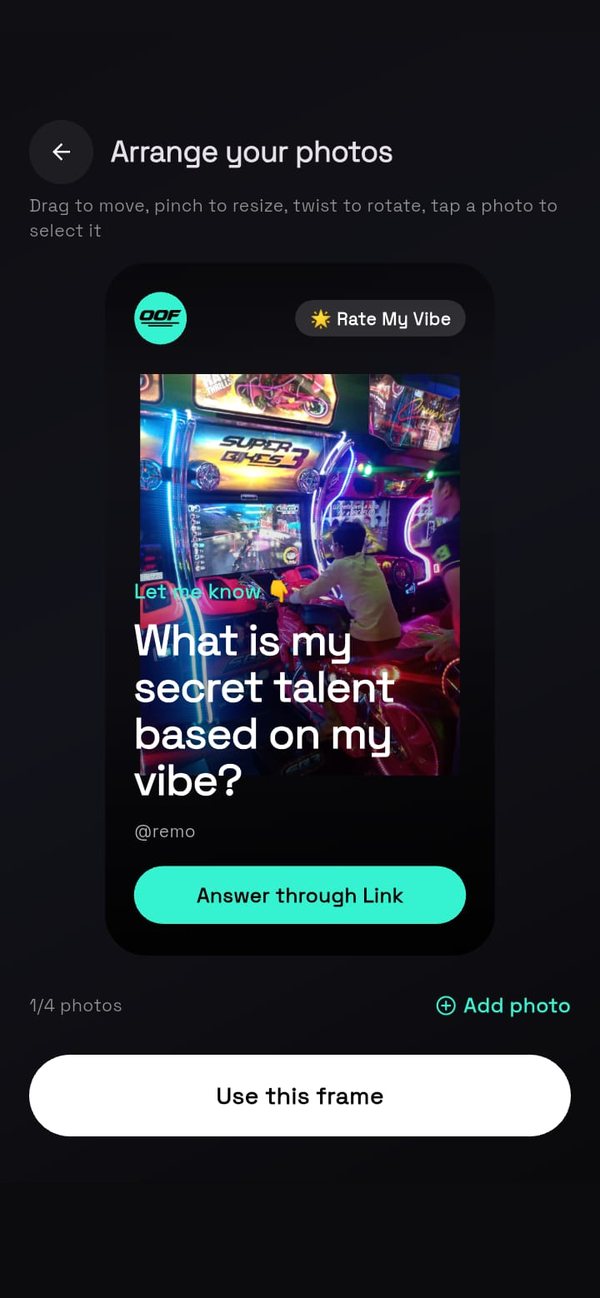
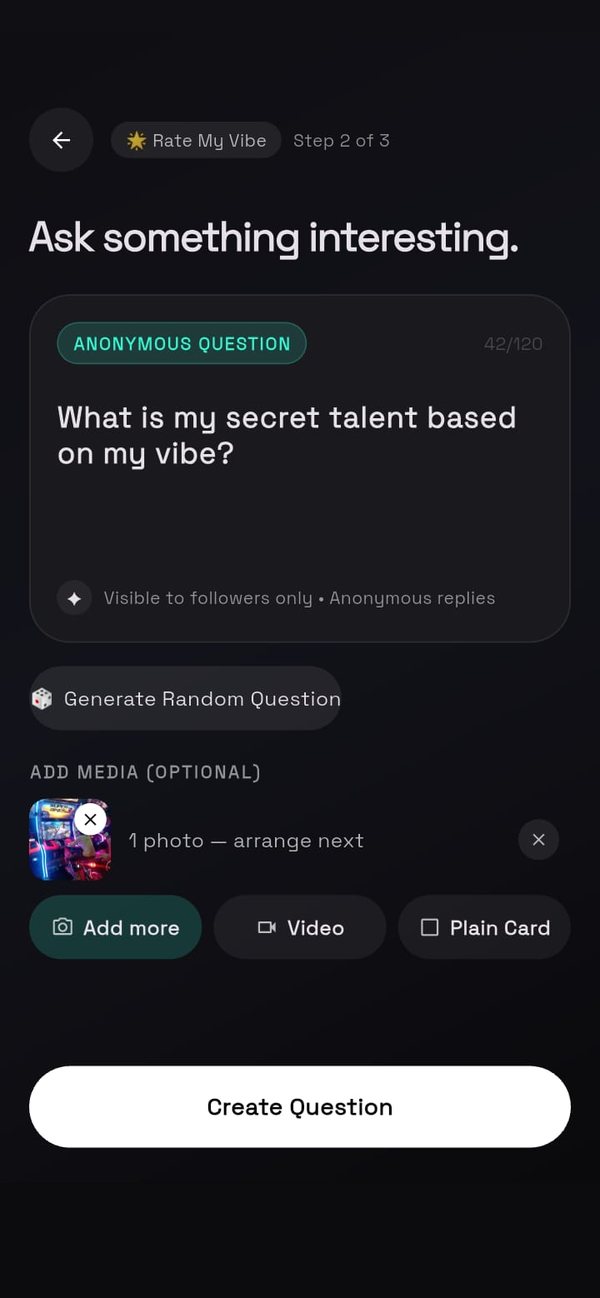
Drop up to 4 pics or 1 video, or keep it a plain card. Drag, pinch and twist till the frame hits just right.
Type your own, or tap Generate Random Question if your brain's buffering. Then hit Create Question.
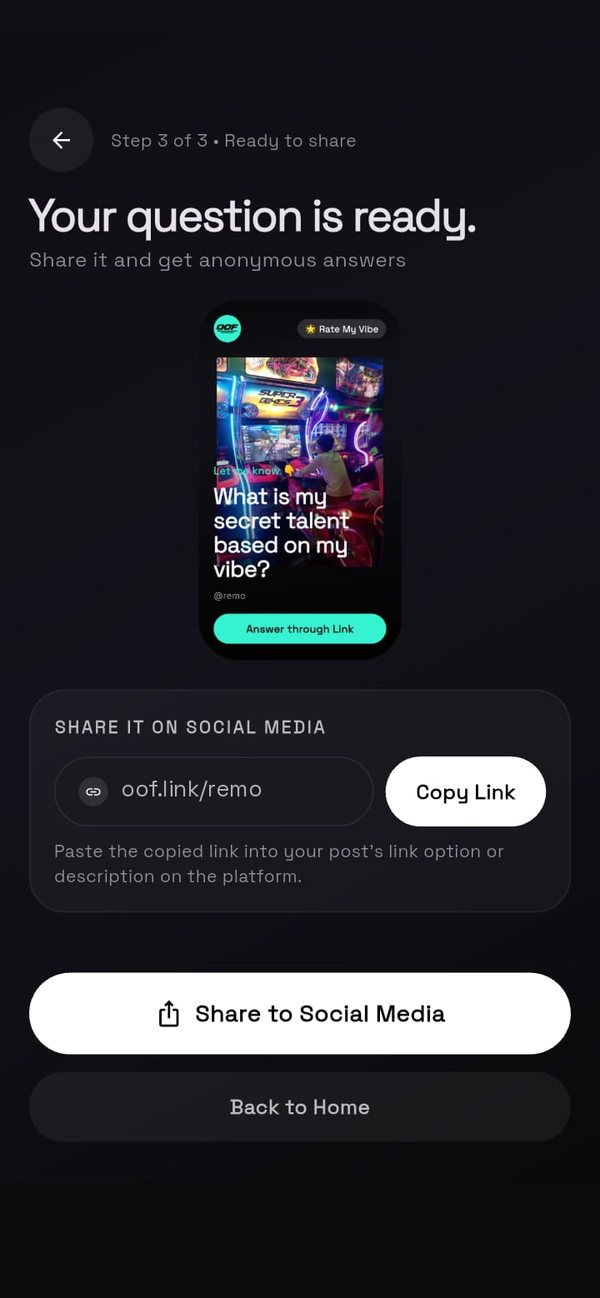
Your question card is ready. Copy your link or tap Share to Social Media, and anonymous answers start coming in.
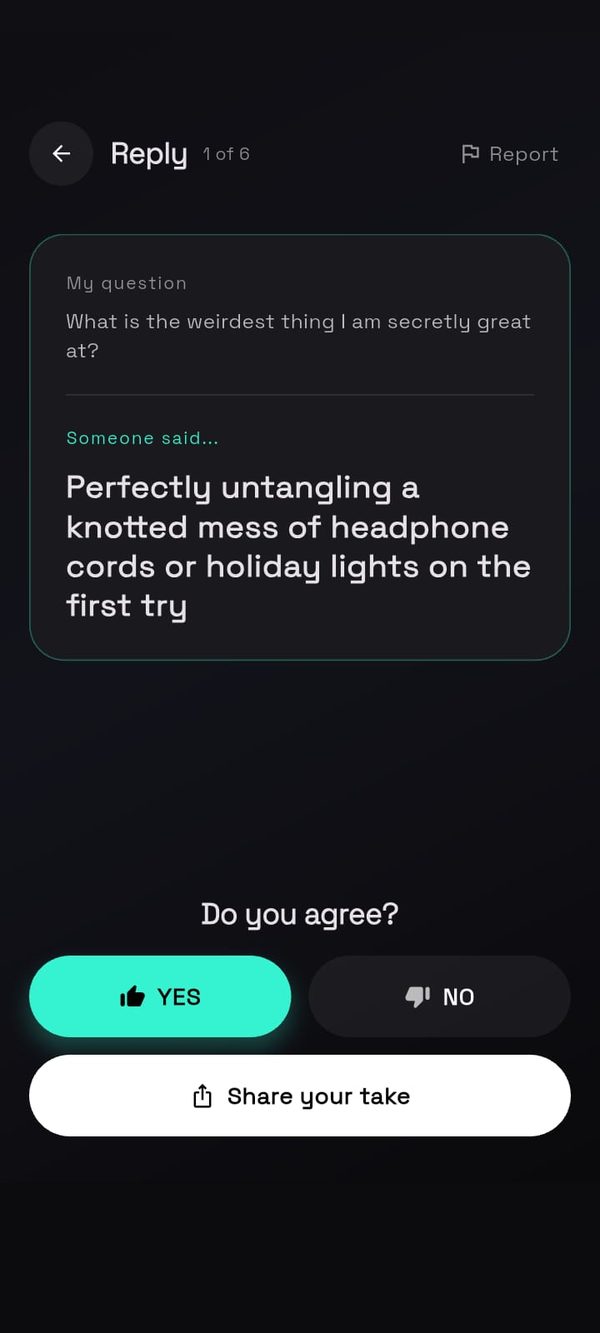
Anonymous answers land in your inbox. Hit YES or NO on each one, then tap Share your take to repost the savage ones to your story.